Set Document Sending Profile
The setup of the Document Sending Profile can be found over the search function in Business Central. Create a new Document Sending Profile, and for using A-Cube:
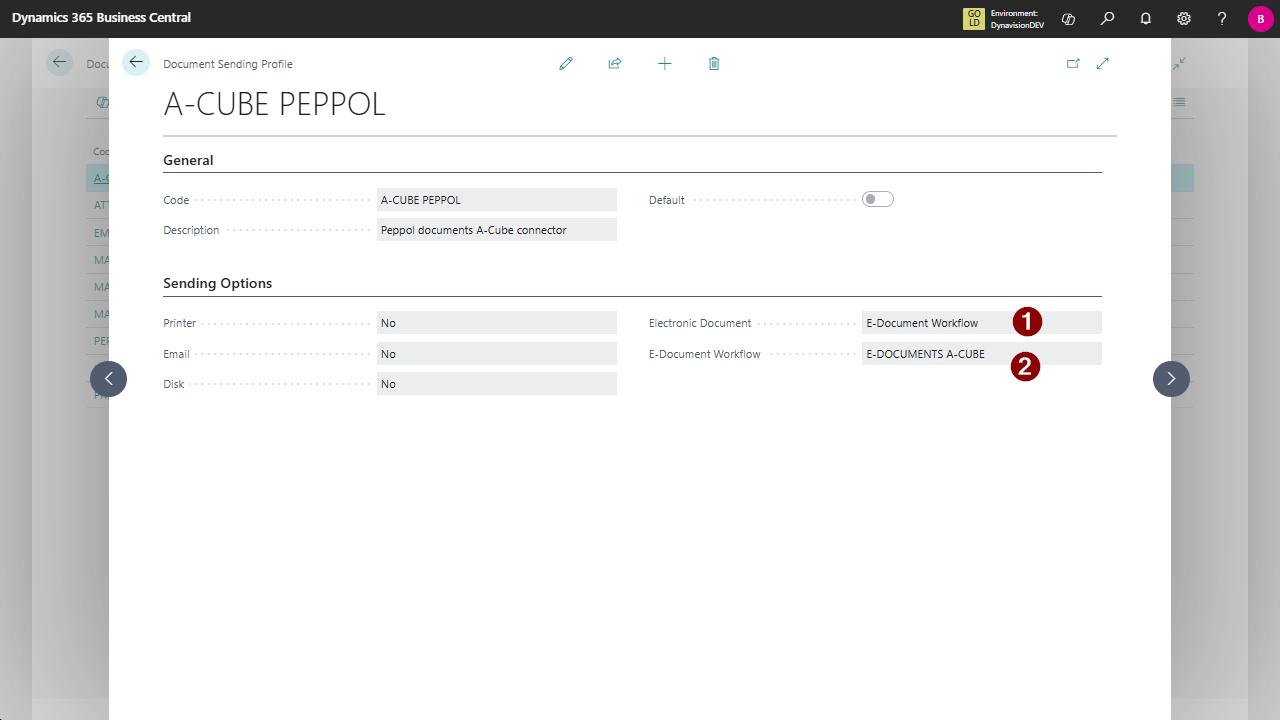
- Electronic Document: use E-Document Workflow
- E-Document Workflow: select a workflow configured for A-Cube
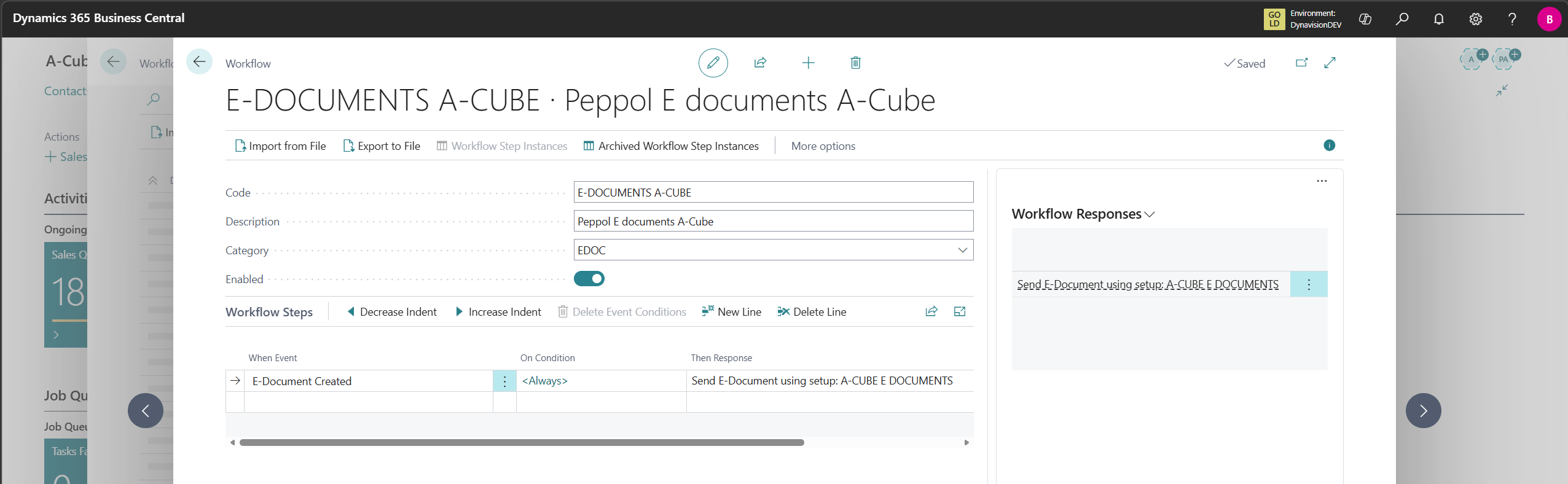
Note: this is standard setup of the E-Documents framework, the documentation can be found on: E-documents overview - Business Central | Microsoft Learn.